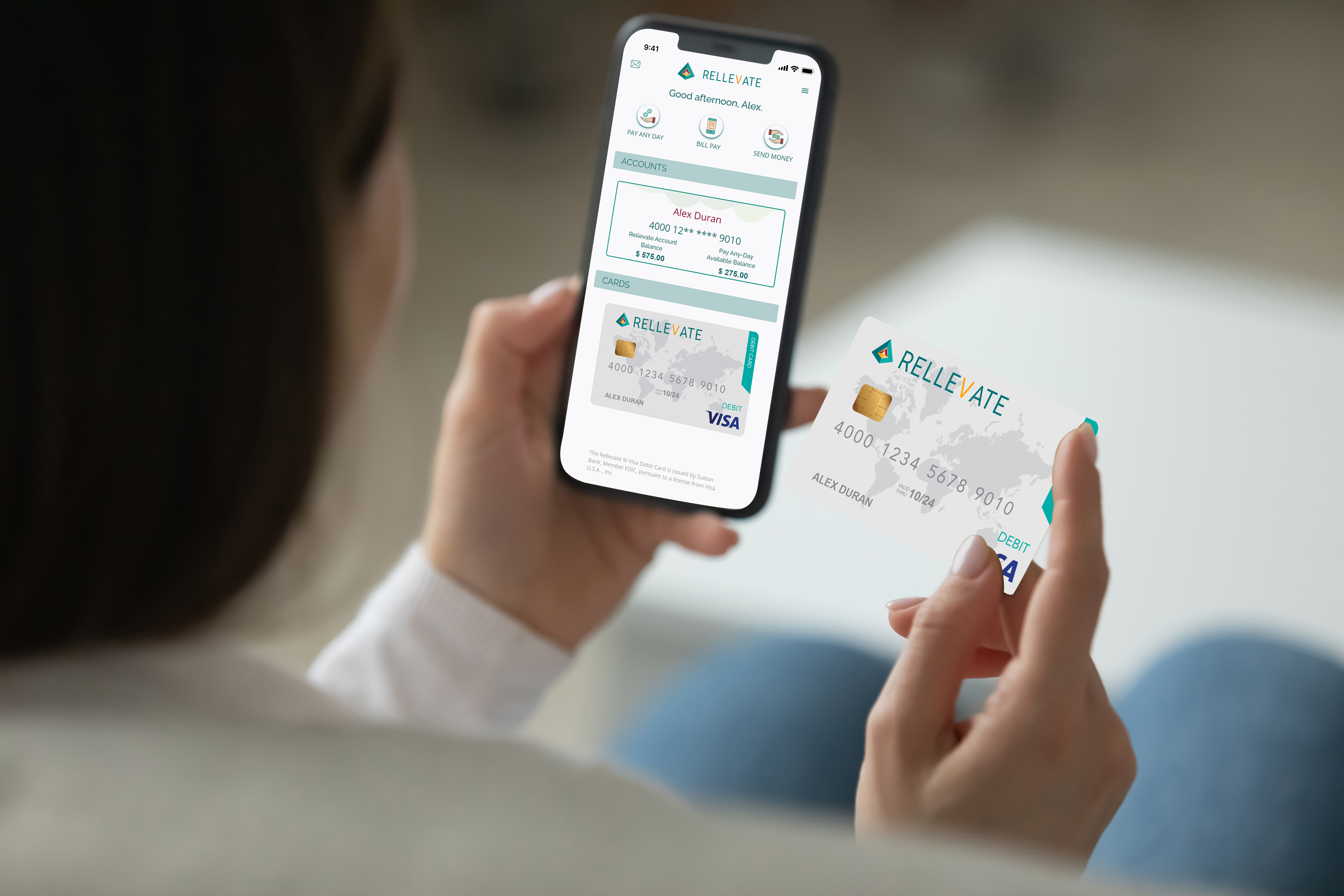
To start receiving Pay Any-Day funds you need to switch over your Direct Deposit to your Rellevate Account. Just go into your account and go to “Fund My Account” There you will see your Account number and Routing number.
If you have access to a self-service option to change your direct deposit, you will input your new account detail, just input the account number and routing information in the “Fund My Account” tab.
If you don’t have access to a self-service option, you can provide your Rellevate account number and routing number to your HR department and let them know this is where you want your payroll check to go. Once we receive one direct deposit from you, your Pay Any-Day hours will systematically begin counting the next day.